 Liftcraft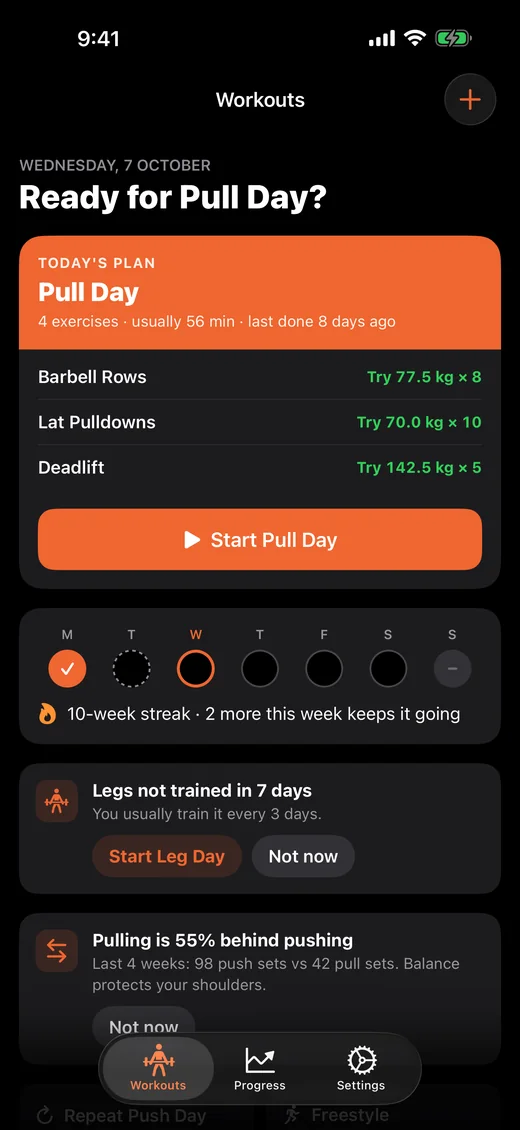
Today's plan
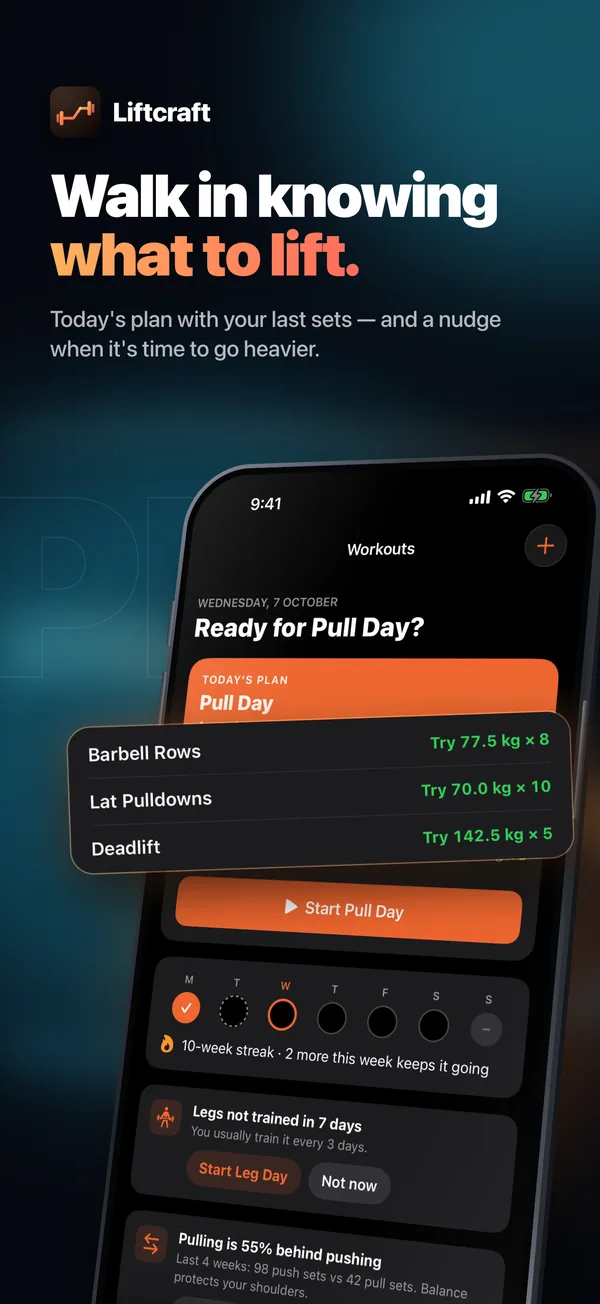
Scheduled workouts show up on Home with your last top set for each lift, and a clear “try 77.5 kg” when you've earned it.
Liftcraft plans today's workout from your last sets, tells you when it's time to go heavier, and keeps your streak going — with controls built for the middle of a set.
Requires iOS 18.4 or later. Apple Watch app included.
Everything you need to train with intent — nothing that gets in the way of the next set.
Scheduled workouts show up on Home with your last top set for each lift, and a clear “try 77.5 kg” when you've earned it.
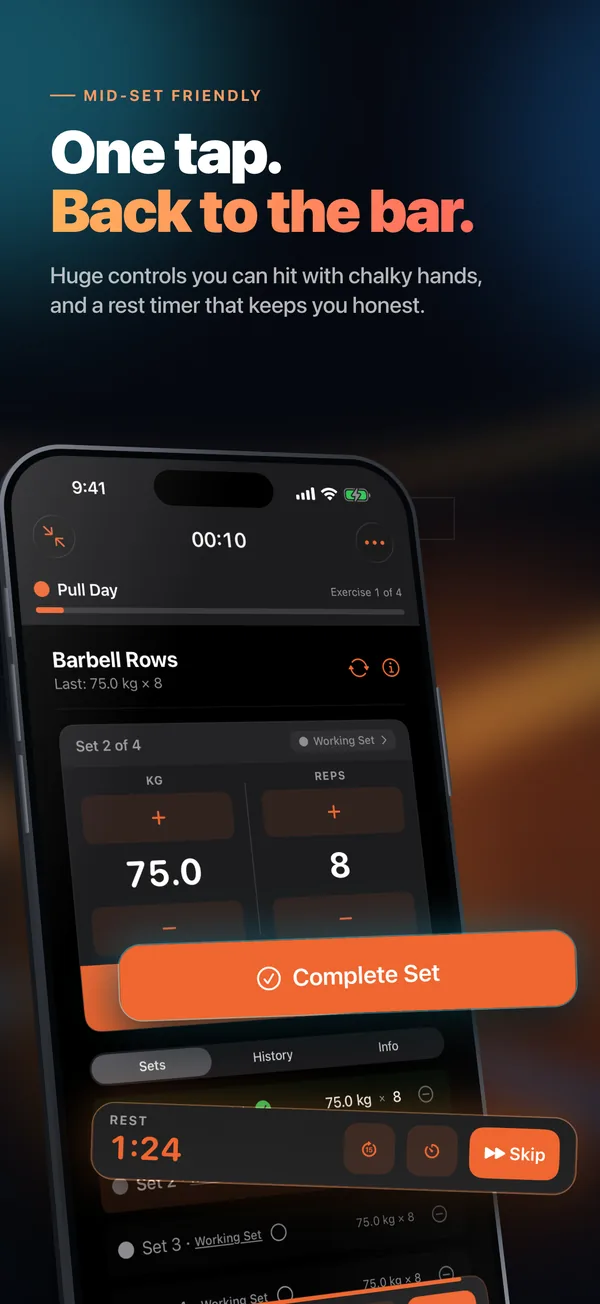
Huge controls you can hit between sets, one-tap logging, undo for anything, and a rest timer that keeps you honest.
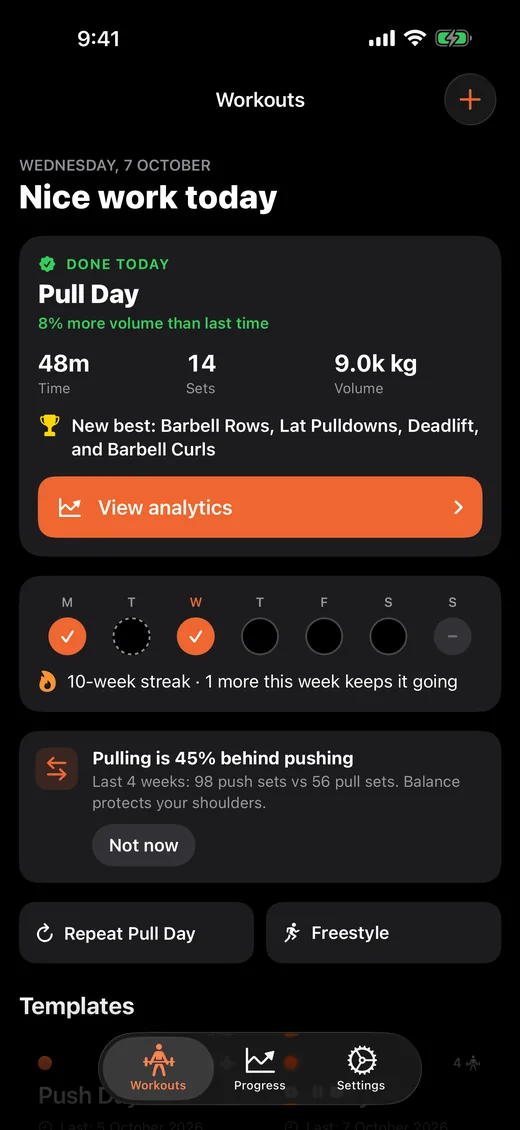
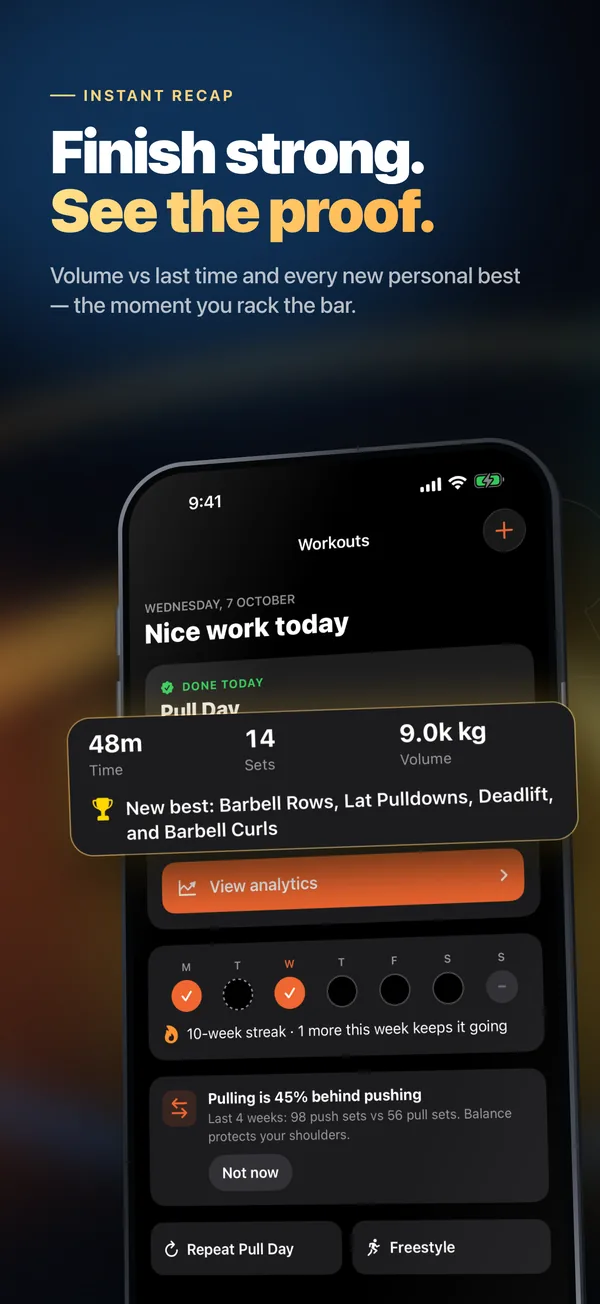
Finish a session and see time, sets, volume versus last time and every new personal best — right away.
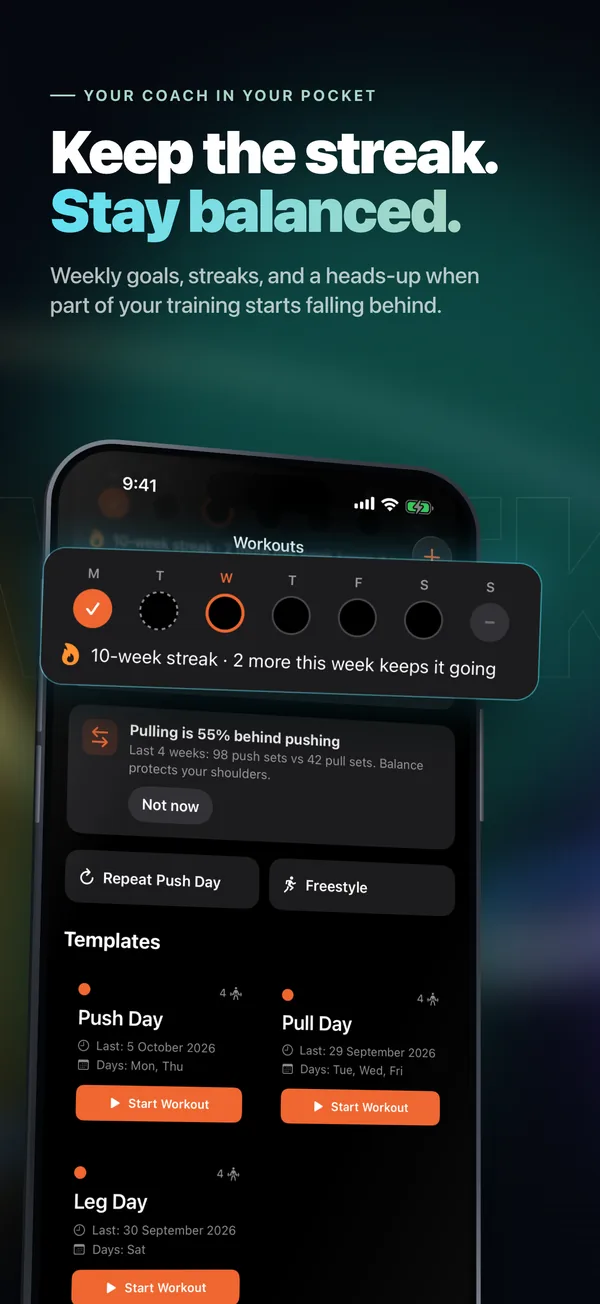
Pick how many sessions a week you're aiming for. Liftcraft tracks the week and keeps your streak alive.
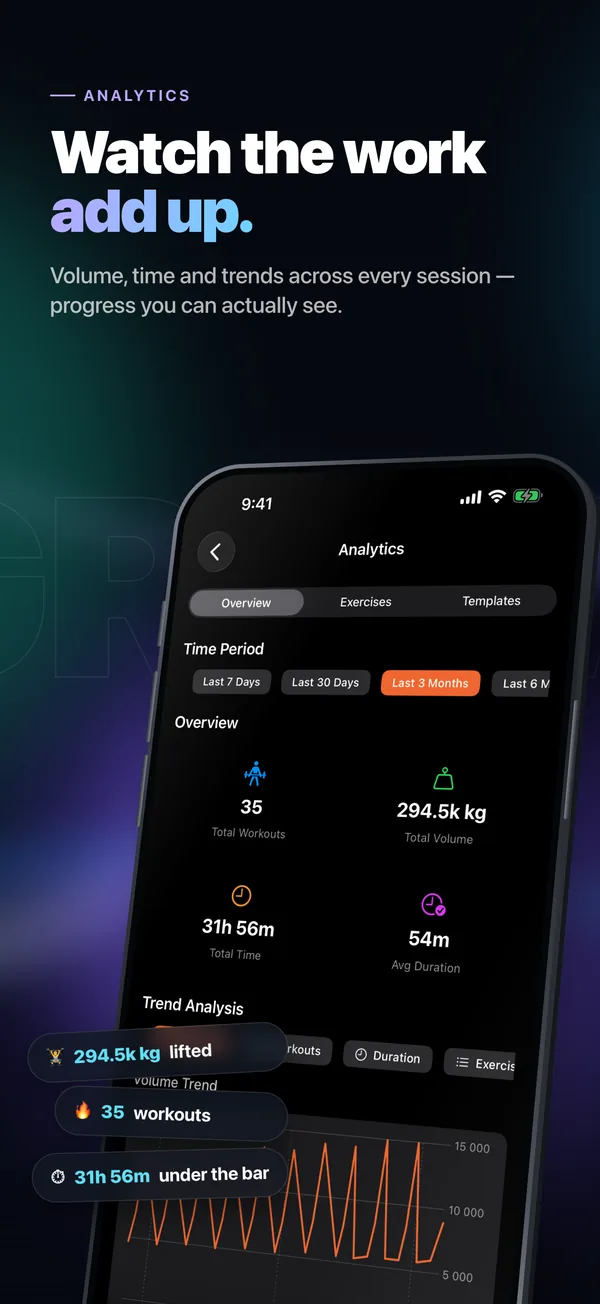
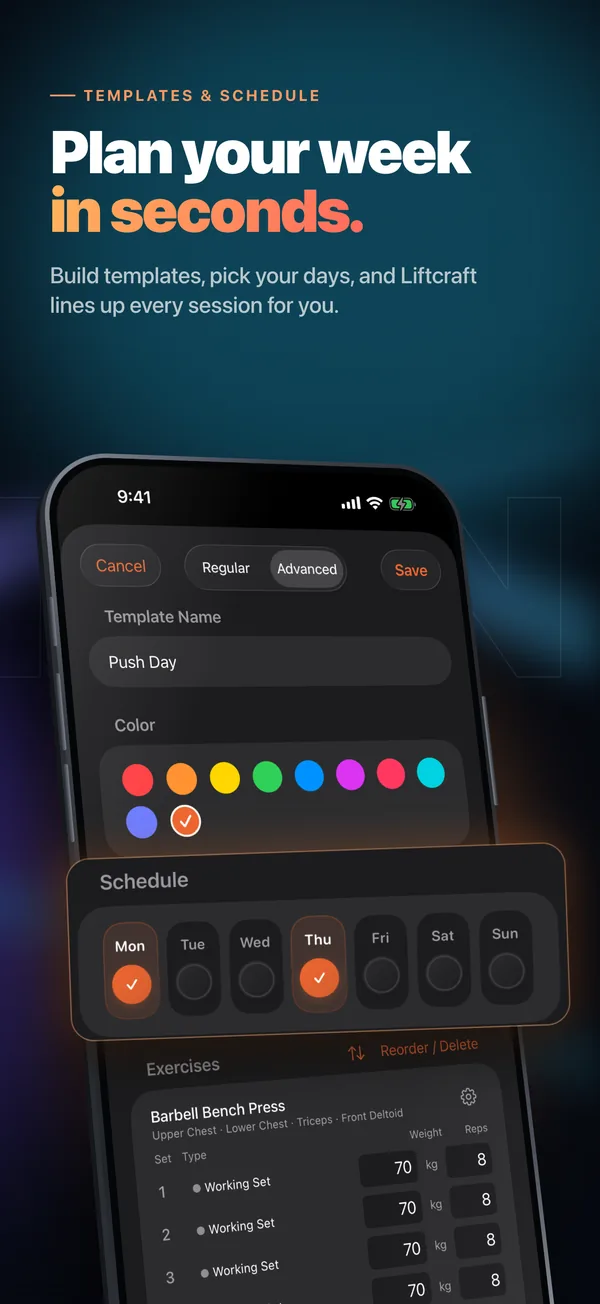
Build templates with sets, weights and supersets, pick your days, and your week lines itself up.
Apple Watch companion, Home Screen widgets, a Live Activity for rest, and Siri shortcuts.
No. Liftcraft works without signing up. Your data lives on your iPhone and Apple Watch.
Yes. Logging, plans, history and analytics all work without a connection.
Optionally. Liftcraft can read your weight and height, and save workouts, active energy and weight to Health. You choose in iOS settings.
Yes. Export a backup from Settings › Backup & Restore and import it on the new device.
Subscriptions are handled by Apple. Open iOS Settings › your name › Subscriptions › Liftcraft. Lifetime is a one-time purchase with nothing to cancel.